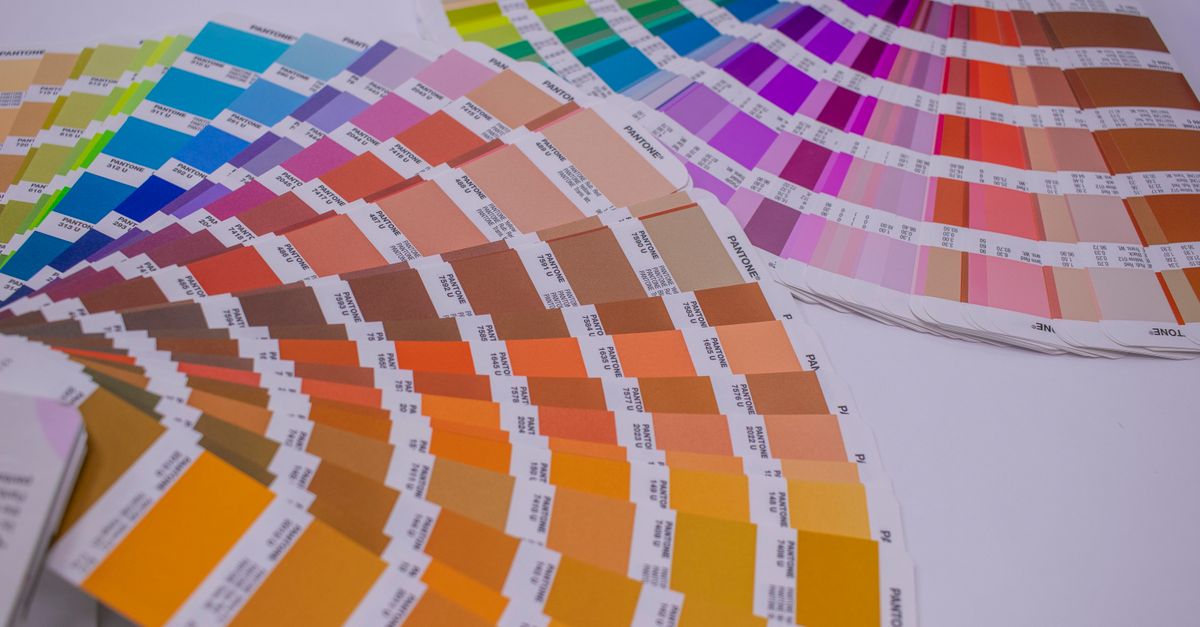
Color Studio is a powerful design tool that allows users to create and customize color palettes, gradients, and contrast. With its user-friendly interface, designers can easily experiment with different colors and styles to find the perfect combination for their projects. The tool features text input, copy, and preview functions, making it easy to work with colors and share them with others. To get started with Color Studio, follow these steps: 1. Open the tool by visiting the link /tools/color-studio?lang=en. 2. Enter the color code or name in the text input field to start creating your palette. 3. Use the copy function to duplicate your favorite colors and create a consistent look. 4. Preview your colors to see how they will look in different contexts. For example, if you're designing a website, you can use Color Studio to create a palette that complements your brand's logo and style. Simply enter the hex code of your logo's color, and then use the tool to find matching colors that will enhance your website's visual appeal. Some useful notes to keep in mind when using Color Studio include:
- Experiment with different color combinations to find the perfect palette for your project.
- Use the contrast feature to ensure that your colors have sufficient contrast and are accessible to all users.
- Save your favorite palettes for future reference and to share with your team.
By following these steps and tips, you can unlock the full potential of Color Studio and take your design projects to the next level. Visit /tools/color-studio?lang=en to start exploring the tool's features and capabilities.
Practical tip: start with a small sample, inspect the output carefully, and only then apply the same workflow to your main content. If the result is not right, change one setting at a time and try again. This makes the cause easier to identify, reduces mistakes, and avoids repeating the entire process.