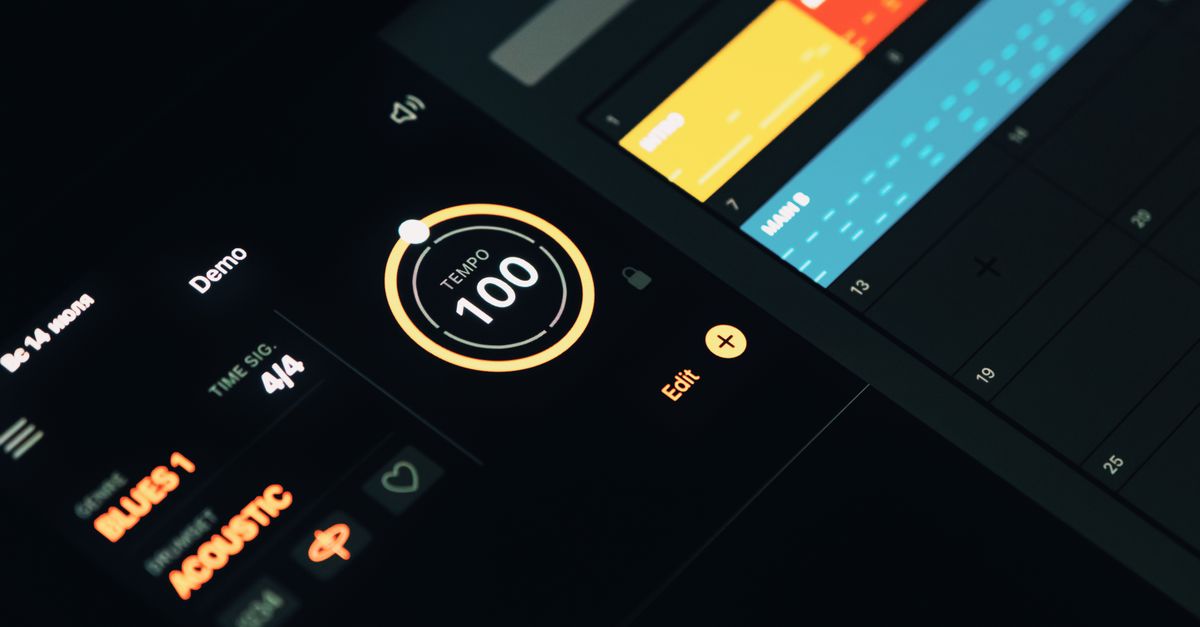
What it does
The Metronome tool provides a reliable online beat keeper. Set the beats per minute (BPM), accent the first beat of each bar, and use tap tempo to capture a rhythm you hear.
Key features
- Adjustable BPM from 30 to 240.
- Accented downbeat (máy đếm nhịp) for clear bar lines.
- Tap tempo – click the tap button to set BPM automatically.
- Responsive design works on phones, tablets, and desktops.
Basic usage steps
- Open the Metronome page.
- Enter your desired BPM or tap the Tap Tempo button to the beat.
- Toggle the Accent Downbeat switch if you need a highlighted first beat.
- Press Start to begin; use Stop to pause.
Short example
For a 120 BPM rock groove, type “120” in the BPM field, enable the downbeat accent, and click *Start*. The click will sound on each beat with a louder click on beats 1 and 3.
Essential notes
- Audio output depends on your device’s volume settings.
- The tool works offline after the page loads.
- No registration required; all settings reset on page refresh.
FAQ
Can I use the metronome on a mobile phone?
Yes, the interface is fully responsive and works on iOS and Android browsers.
What is the tap tempo feature?
Tap tempo lets you set the BPM by repeatedly clicking the tap button in rhythm with the music you hear.
Is there a way to accent the first beat of each measure?
Enable the ‘Accent Downbeat’ toggle; the first beat will sound louder than the others.
Do I need an internet connection after loading the page?
No. Once the page is loaded, the metronome runs locally, so you can practice offline.
Practical tip: start with a small sample, inspect the output carefully, and only then apply the same workflow to your main content. If the result is not right, change one setting at a time and try again. This makes the cause easier to identify, reduces mistakes, and avoids repeating the entire process.