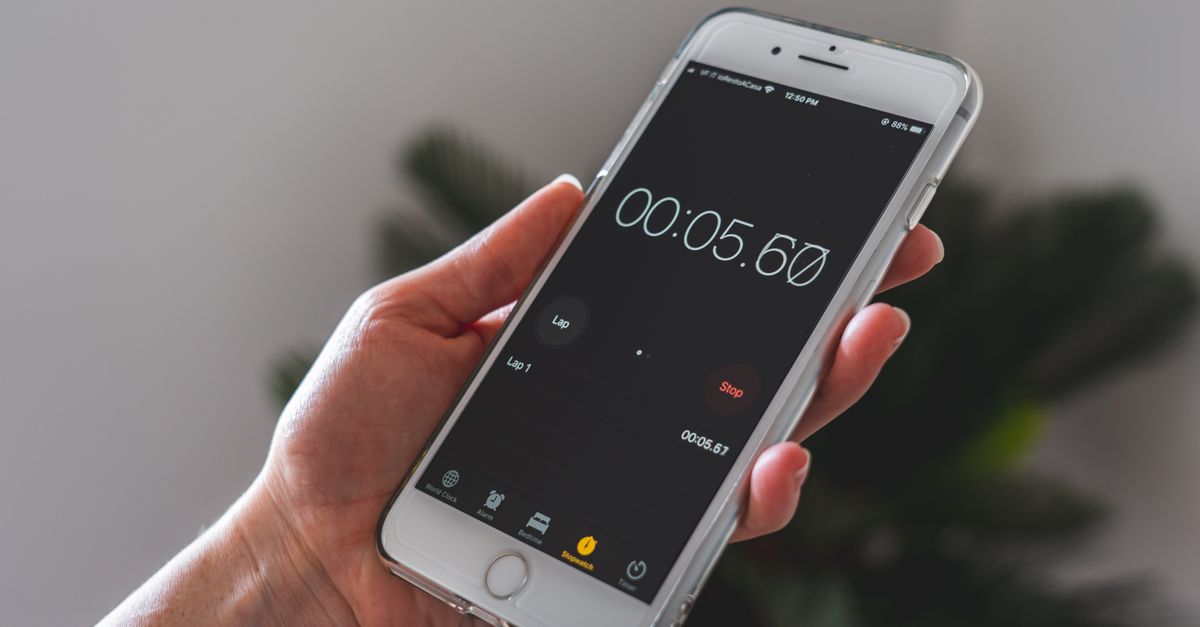
Before web tools were ubiquitous, timing a workout or a cooking recipe meant pulling out a physical stopwatch or relying on a phone app that often required downloads and permissions. Today, DangNH Studio offers a fully browser‑based solution that eliminates those steps, delivering millisecond‑level precision directly from any device.
Why a Browser‑Only Stopwatch Matters
The shift from native applications to web‑only utilities brings three tangible benefits. First, the tool runs entirely in the user’s browser, meaning no installation, no account creation, and no data transmission to external servers. Second, the interface adapts to phones, tablets, and desktop monitors, ensuring a consistent experience whether you’re in a gym or at a desk. Third, once the page loads, the stopwatch continues to function offline, a rare feature for free online timers.
Precision and Feature Set
DangNH’s stopwatch measures time down to 1/100 of a second (0.01 s), a level of granularity usually reserved for professional timing equipment. Users can start, pause, and reset the timer with a single click, while the Lap button captures intermediate timestamps that appear instantly in a scrolling list. The Reset button wipes the current run, allowing a fresh start without reloading the page.
Real‑World Use Cases
Consider a 30‑minute study sprint. You press Start, work for 15 minutes, hit Lap, resume, and finish at the 30‑minute mark. The lap list now shows “15:00” and “30:00,” giving a clear visual breakdown of your focus intervals. Similar scenarios apply to interval training, baking a multi‑stage recipe, or timing a series of presentation slides.
Getting Started in Three Simple Steps
1. Navigate to the URL /apps/stopwatch?lang=en. The page loads instantly, and the timer interface appears centered on the screen. 2. Click Start to begin counting. The display updates in real time, showing hours, minutes, seconds, and hundredths of a second. 3. Use Lap whenever you need a checkpoint; each entry is added to the lap list automatically. When the session ends, press Reset to clear the data and prepare for the next round.
No Sign‑Up, No Data Leakage
Unlike many productivity tools, this stopwatch does not ask for an email address or create a user profile. All timestamps are stored locally in the browser’s localStorage, guaranteeing that no personal information leaves the device. This design aligns with privacy‑first trends and satisfies users who are wary of cloud‑based tracking.
Global Adoption Numbers
The service has attracted a sizable audience: over 29,789 users worldwide have accessed the tool, with 9,233 active sessions recorded in the past month alone. These figures illustrate the demand for a lightweight, reliable timing solution that works across platforms.
Frequently Asked Questions
FAQ
Q: Does the stopwatch keep time if I close the tab?
A: No. The timer stops when the browser tab is closed, so keep the tab open for continuous measurement or use the Reset button to start a new session.
Q: Can I use it on my phone?
A: Yes. The responsive design ensures full functionality on mobile browsers, tablets, and desktop computers.
Q: Is there a way to export lap times?
A: The current version does not include an export feature, but you can manually copy the lap list to a spreadsheet or note‑taking app.
Q: Does it require an internet connection?
A: Only the initial page load needs connectivity. After the page is cached, the stopwatch operates offline.
Q: What happens to my data after I reset?
A: Reset clears the timer and removes all lap entries from the local storage, preparing the interface for a fresh measurement.
Conclusion
As web technologies continue to blur the line between native and online experiences, tools like DangNH Studio’s stopwatch demonstrate how simple, privacy‑focused utilities can thrive without heavy installations. Keep an eye on future updates that may introduce export options or customizable interval presets, further expanding the app’s utility for athletes, chefs, and remote workers alike.