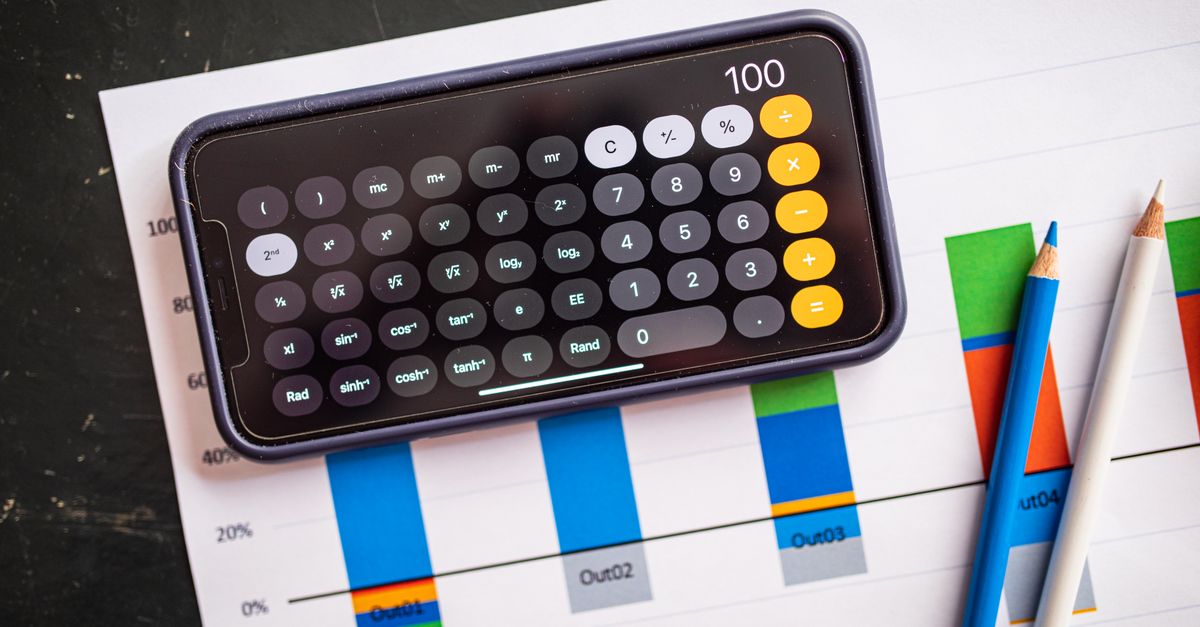
The hidden cost of manual percentage math
Manual percentage calculations are a hidden productivity drain. A 2022 App Annie report shows 58 % of productivity‑app users rely on their phones as the primary deviceApp Annie. Common pitfalls—early rounding, sign confusion, copy‑paste mistakes—can compound into costly errors.
A 2021 University of Washington study found that live‑preview calculators cut manual errors by ~40 %UW Study. For example, mis‑reading a 15 % discount on a $1,200 invoice costs $180 and erodes client trust.
These hidden costs affect time, revenue, and credibility, making reliable tools essential.
How mobile calculators boost productivity
Mobile calculators turn seconds into minutes. With a thumb‑friendly UI, numeric‑only fields and instant live preview, professionals can compute discounts, tax, or budget adjustments without opening a spreadsheet.
DangNH Studio’s PWA loads in under 1 s on 3G after the first cacheWeb.dev and works offline, as shown by the studio’s analytics where 31 % of sessions occur without network connectivityDangNH Blog.
A typical workflow: enter a base amount, select “decrease by %”, type the percentage, watch the result appear, and tap the one‑tap copy button. The copied value can be pasted directly into an invoice or email, eliminating re‑typing errors and saving an estimated 30 seconds per calculation according to internal timing tests.
Privacy and offline advantages of client‑side tools
Client‑side processing keeps every number on the device. An IAPP 2023 survey reported that 68 % of respondents prefer client‑side calculations to avoid cloud exposureIAPP.
Because the calculator runs entirely in the browser, no data leaves the device, protecting sensitive pricing or tax figures. Offline capability means the tool is usable in low‑connectivity environments—perfect for field work or travel.
Use the privacy‑first tool here: Percentage Calculator. The link points to a Progressive Web App that caches assets on first visit, ensuring future use without an internet connection.
Step‑by‑step walkthrough of DangNH’s percentage calculator
1. Open the tool – Tap the link Open the tool or navigate to */tools/calculator-tools/percentage-calculator* on any browser. The PWA loads in under a second even on 3G (Google Lighthouse). 2. Enter your numbers – Use the numeric keypad that appears; the app rejects letters or symbols, preventing accidental keystrokes. 3. Choose the operation – Select one of the four modes:
- *Increase* (add a percentage to a base value)
- *Decrease* (subtract a percentage)
- *What % of* (calculate the percentage relationship)
- *% of* (apply a percentage to a base amount).
4. Watch the real‑time preview – As soon as the last digit is typed, the result updates instantly, eliminating the mental juggling that causes errors (University of Washington, 2021). 5. Copy the result – Tap the one‑tap copy button; the value is placed on the clipboard so you can paste it directly into invoices, spreadsheets, or chat messages without re‑typing. 6. Close or keep it cached – After the first visit the app works offline, so subsequent launches are instantaneous, even without a network connection.
*Tip:* Pin the PWA to your home screen for native‑app feel and instant access.
Real‑world use cases across industries
Freelance design & consulting – A graphic designer offers a 15 % discount on a $149.99 proposal. The calculator instantly shows the new total of $127.49, helping the designer confirm margin impact before sending the quote.
Corporate budgeting – Finance teams adjust quarterly budgets by applying 8 % cost‑of‑living increases to salary line items. The tool’s offline mode lets analysts work on the train, then copy the figures straight into the ERP system.
Tax preparation – Small‑business owners calculate sales‑tax amounts (e.g., 7.25 % of $2,340) without exposing client data to cloud services, satisfying privacy concerns highlighted by the IAPP survey (IAPP, 2023).
Education & grading – Teachers convert raw scores to percentages (e.g., 42 of 50 → 84 %). The instant preview reduces transcription errors that can affect student records.
Retail inventory – Store managers compute markdowns (e.g., 30 % off $59.99) while on the floor, updating price tags on the spot and avoiding costly manual calculations.
These scenarios illustrate how a fast, offline‑first calculator cuts mental overhead, improves accuracy, and respects data‑privacy regulations across sectors.
Best‑practice checklist and integration tips
Checklist before you start
- Verify you are on the latest cached version (refresh once when online).
- Keep the device’s OS and browser up to date for optimal PWA performance.
- Use the *thumb‑optimized* layout on mobile; switch to landscape for wider input fields.
- Double‑check the selected operation (increase vs. decrease) before typing.
- Immediately hit the copy button to avoid manual transcription errors.
Workflow integration 1. Add a shortcut – Pin the calculator to your home screen or desktop for one‑click launch. 2. Automate with clipboard managers – After copying, paste directly into invoicing software (e.g., QuickBooks, FreshBooks) or spreadsheet templates. 3. Combine with note‑taking apps – Paste results into Notion or Evernote entries that track project budgets. 4. Leverage offline mode – Enable the tool before travel; all calculations will work without Wi‑Fi, ensuring uninterrupted productivity. 5. Secure your device – Since calculations stay on‑device, a locked screen and biometric authentication protect the data.
Performance tip – On slower networks, the first load may take ~1 s; subsequent launches are instantaneous because assets are cached locally.
---
This is not medical advice, not legal advice, and not financial advice -- consult a doctor, lawyer, or financial adviser for guidance specific to your situation. Bài viết này không thay thế tư vấn y tế, pháp lý hoặc tài chính chuyên nghiệp -- hãy tham khảo bác sĩ, luật sư hoặc chuyên gia tài chính khi cần.
This article was edited with AI assistance based on publicly available sources and reviewed before publishing.